How to Speak Confidently on Camera: Tips to Look and Sound Natural on Video
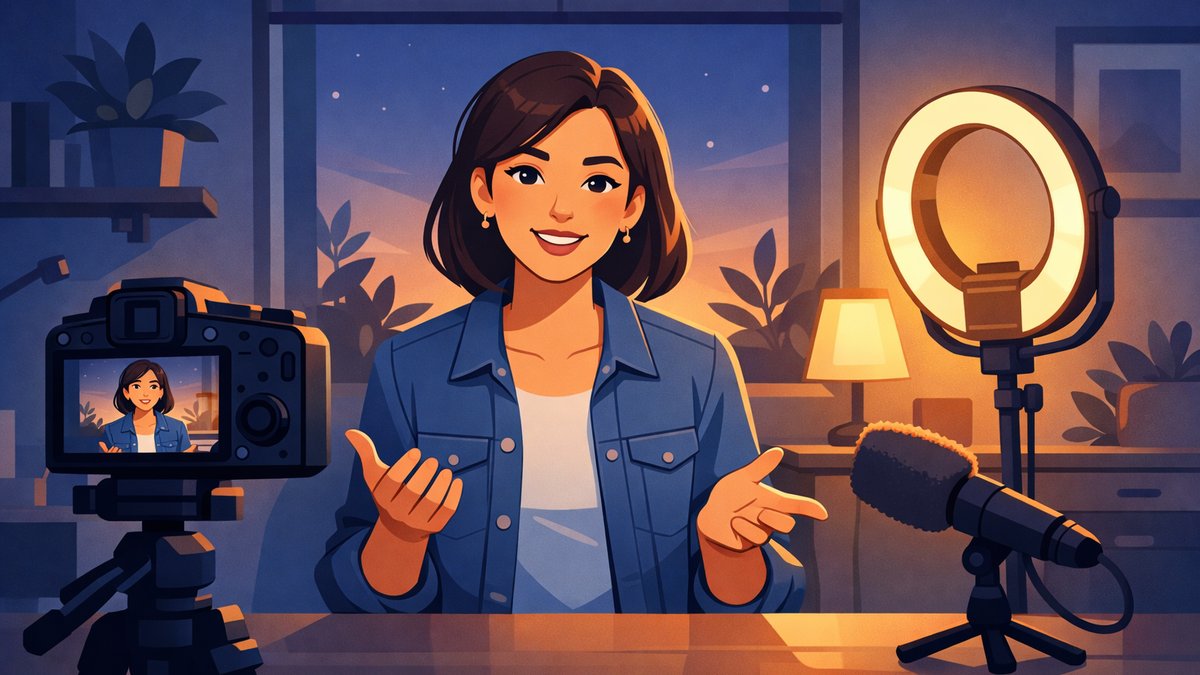
You hit record, look at the lens, and your mind goes blank. Or you get through it fine, play it back, and barely recognize the stiff, rushed person on the screen. Talking to a friend is easy. Talking to a small black circle is not.
If that sounds familiar, nothing is wrong with you. Speaking on camera is a separate skill from speaking in person, and almost nobody is good at it on the first try. This guide covers why the camera throws you off, what makes people look and sound confident on video, and the exercises that get you there, whether you're filming a YouTube video, presenting on Zoom, or recording an update for your team.
Why speaking on camera feels so hard
In a normal conversation, you get constant feedback. People nod, smile, frown, or jump in. You adjust without thinking about it. A camera gives you none of that. You're talking into silence, and your brain reads the missing reactions as a sign that something is going wrong.
A few other things pile on top:
You know it's permanent. A slip in conversation disappears. A slip on video can be replayed, so you start editing yourself in real time and lose your flow.
You're watching yourself. On video calls, your own face sits in the corner of the screen. It's hard to think clearly while you're also checking your hair and your expression.
There's no natural start. Conversations ease in. Recordings begin with a cold open, which is exactly where nerves are strongest.
None of these are about your ability. They're about the setup. Once you know what's causing the awkwardness, you can work around each piece.
Sounding confident on camera vs. feeling confident
Here's the part most people miss: you don't have to feel confident to sound confident. Viewers can't see your racing heart. They can only see and hear a handful of signals: your pace, your pauses, your eye line, your posture, and how often you fill gaps with um and uh.
That's good news, because signals can be practiced. You can be nervous and still speak at a steady pace, pause cleanly, and look at the lens. Over time, doing those things on purpose tends to calm the nerves too, because you stop worrying about how you come across.
How to speak confidently in front of a camera: set up first
A lot of on-camera awkwardness is physical, and it's easier to fix the room than to fix your nerves. Before you say a word, get these right:
Put the lens at eye level. Stack books under your laptop or phone until the camera is level with your eyes. Looking down into a lens makes you look tired, and looking up makes you look small.
Face a window or a light. Light in front of you, not behind you. When your face is clear, you look more open and you stop worrying about how you look.
Frame head and shoulders. Leave a little space above your head and keep your hands able to come into frame. Gestures help you talk naturally.
Hide your own video. On Zoom, Teams, and Meet you can turn off self-view. Do it once you've checked your framing. You'll think much more clearly when you're not watching yourself.
Stand or sit up straight. Many people sound more energetic standing. If you sit, sit forward on the chair rather than leaning back.
Look at the lens, not the screen
On video, eye contact means looking into the lens. If you look at the faces on your screen, viewers see you looking slightly down and away. If you look at the lens, they feel like you're talking to them.
This feels unnatural, so make it easier. Put a small sticky note with an arrow next to the camera. Move the video call window so it sits right under the lens. And picture one specific person on the other side, someone friendly who wants to hear what you have to say. Talking to one person is much easier than talking to "an audience."
You don't need to stare at the lens every second. Glancing at notes or looking away while you think is normal. Just come back to the lens when you make your main points and when you finish a sentence.
Slow down, pause, and cut the filler words
Nerves speed you up, and the camera makes it worse. With no one nodding along, you rush to fill the silence. On playback, that rush sounds anxious and is harder to follow. Aim for the pace you'd use explaining something important to a friend across a table. If you're not sure whether you're too fast, our guide to normal speaking pace and words per minute explains how to measure yours.
Then add pauses: after each key point, between sections, and before your final line. A one-second pause feels long to you and sounds calm to the viewer. Pauses also fix filler words, which stand out far more on a recording than in person. When you feel an um coming, close your mouth, breathe, and say the next word. For a full breakdown, see how to stop saying um and uh.
Bring your energy up a notch
The camera tends to flatten people. A tone that feels warm and lively in a room can come across as flat on a laptop speaker. That's why people who look relaxed on video often feel like they're being slightly "too much" while they film.
You don't need to shout or act. Try these small adjustments instead:
Smile at the start. A real smile in the first few seconds changes your tone of voice, and viewers can hear it.
Vary your pitch. Let your voice go up and down the way it does when you're telling a story you care about. Monotone is what makes video feel long.
Land your sentences. End statements with your voice going down, not up. Rising endings make points sound like questions.
Use your hands. Gesturing helps you find words and keeps your voice animated, even if your hands are mostly out of frame.
Talk, don't read
A full word-for-word script is the fastest way to sound stiff. Your eyes drift to the text, your voice goes flat, and the moment you lose your place, you freeze.
Use bullet points instead. Write your first sentence and your last sentence in full, because those are where nerves hit hardest. For everything in between, jot three to five short prompts and talk through them the way you'd explain them to a colleague. You'll trip over a word now and then, and that's fine. It sounds human. For more on this, read why the best speakers sound like they're having a conversation.
How to speak confidently in a Zoom meeting
Live video calls add a twist: you can't redo a take, and you have to jump in at the right moment. A few habits help:
Unmute with your first sentence ready. Know how you'll start before you click. "I have one thought on the timeline" is a clean opener that buys you a second to organize the rest.
Lead with your point. Say your conclusion first, then the reason. On calls, attention drifts fast, so the first sentence matters most.
Keep it short. Say what you need to say and stop. Long turns on video are harder to follow than in person.
Signal when you're done. End with something clear, like "That's my view" or a direct question to someone. It saves you from trailing off with "so, yeah."
The same ideas apply to virtual meetings on any platform, and to video interviews, where the stakes feel higher but the skills are identical.
How to speak confidently in a YouTube video
If you're creating content, you have one big advantage over live calls: you can do it again. Use that.
Record your opening several times. The first 10 to 15 seconds are where you're stiffest and where viewers decide whether to stay. Do three or four takes and keep the best one.
Film in short sections. Recording a few minutes at a time is easier than one long take. Pause between sections, reset, and go again.
Keep your first take. Your best energy often comes early. If you keep re-recording, you can drift from natural to rehearsed to tired.
Warm up before you hit record. Talk out loud for a minute or two first, about anything. Your first words of the day are rarely your best on-camera words.
Exercises to speak confidently on camera
Confidence on camera comes from reps. The more often you see the red light, the less it means. These drills take a few minutes each and you only need your phone.
The daily 60-second clip. Pick a simple prompt, like "What's one thing you learned this week?", and record a 60-second answer to your front camera. Don't post it. The goal is just to make talking to a lens feel ordinary.
Watch it once with the sound off. Look only at your eyes, posture, and hands. Then listen once without watching, focusing on pace, pauses, and fillers. Splitting it up makes it much easier to spot one thing to fix.
The one-person drill. Tape a photo of a friend next to your camera and talk to them. It trains you to look at the lens and keeps your tone warm.
The pause drill. Record yourself explaining your job, pausing for a full second between sentences. It will feel exaggerated. On playback, it usually just sounds calm.
Track one number. Count your filler words or note your pace each day. Seeing a number improve is far more motivating than a vague sense that you're "getting better."
If watching yourself back makes you cringe, you're in good company. Our guide to recording and reviewing your speaking on your phone explains why that reaction fades and how to review without picking yourself apart. An app like Articulate can help with the audio side: record a short answer of up to 60 seconds and get scores for filler words, pace, and clarity, with your fillers highlighted in the transcript.
How to speak confidently on camera when you're nervous
Even with good habits, some days the nerves win. When that happens, go back to basics:
Take one slow breath before you start. Breathe out longer than you breathe in. It steadies your voice for the first line.
Start with a line you know cold. A memorized first sentence gets you past the hardest moment on autopilot.
Let small mistakes go. If you stumble on a word, keep going. Viewers forget a stumble quickly. They remember a speaker who stopped and apologized.
Lower the stakes. Remind yourself that most people watching want you to do well. They're focused on what you're saying, not judging every word.
The short version
The camera feels hard because it removes the feedback you get in person. That's normal, and it's fixable.
Set up first: lens at eye level, light in front of you, self-view off.
Look at the lens, slow down, pause instead of saying um, and bring your energy up a little.
Use bullet points, not a script, and know your first and last sentence.
Record a short clip every day until talking to a camera feels ordinary.
Nobody starts out natural on camera. The people who look relaxed have simply hit record more times than you have, and you can catch up faster than you think.